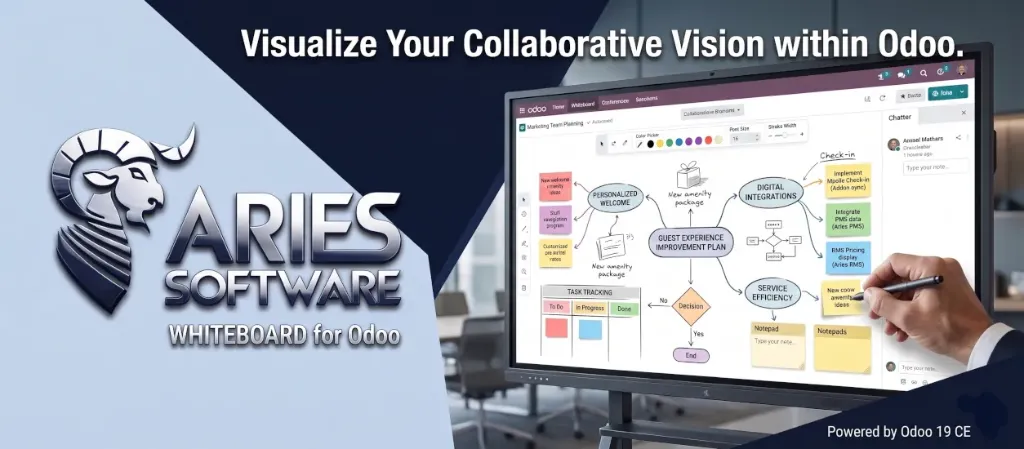
Whiteboard â Collaborative Visual Workspace
A Miro-like whiteboard app for Odoo 19. Brainstorm, plan, and collaborate visually.
Transform the way your team thinks and works together. Create infinite visual canvases with sticky notes, shapes, mind maps, freehand drawings, and professional templates â all inside Odoo.
Infinite Canvas, Infinite Possibilities
Pan, zoom, and create without boundaries. Your ideas deserve unlimited space.
Infinite Canvas
Pan and zoom freely with mouse wheel navigation. No edges, no limits.
Snap Grid
Toggleable dot grid with configurable spacing for pixel-perfect alignment.
Autosave
Changes are automatically saved every 10 seconds. Never lose your work.
12 Powerful Drawing Tools
Everything you need to express your ideas visually â from simple text to complex diagrams.
Sticky Notes
Color-coded notes for brainstorming and ideation sessions.
Text Fields
Freely placed text labels with configurable font size and color.
Notepads
Multi-line rich text areas with a header for structured notes.
Shapes
Rectangles, circles, and diamonds with fill and stroke controls.
Lines & Arrows
Draw straight lines, arrows, and connectors between elements.
Freehand Drawing
Pen tool for sketches, annotations, and free-form illustrations.
Mind Map Nodes
Rounded pill-shaped nodes for brainstorming and idea mapping.
Connectors
Link elements with directional arrows to create flowcharts.
10 Professional Templates
Jumpstart your boards with pre-built layouts used by top teams worldwide.
Retrospective
What went well · What to improve · Action items â perfect for Agile sprints.
Mind Map
Central topic with branching ideas for creative exploration.
SWOT Analysis
Strengths · Weaknesses · Opportunities · Threats quadrants.
Kanban Board
To Do · In Progress · Done â classic swim-lane workflow.
Brainstorming
Freeform idea generation with color-coded categories.
Project Planning
Timeline-based project phases and milestones overview.
Pros & Cons
Two-column comparison layout for quick decision making.
User Story Map
Activities â Tasks â Stories mapping for product development.
Empathy Map
Think · Feel · Say · Do â design thinking essentials.
Inline Editing
Click any element to start typing immediately. No popups, no dialogs â just natural, distraction-free editing right on the canvas.
- Single-click to edit any text element
- Auto-open editor on element creation
- Helpful placeholder text on empty elements
- Full font size and color customization
Drag, Resize & Duplicate
Move elements freely, resize from 8 handles (corners + edges), and duplicate anything with Ctrl+D or the toolbar button.
- 8-point resize handles with directional cursors
- Copy / Paste with Ctrl+C / Ctrl+V
- Quick duplicate with Ctrl+D
- Pasted elements offset for easy positioning
Keyboard Shortcuts
Work at the speed of thought with intuitive keyboard shortcuts.
| V | Select tool |
| N | Sticky note |
| T | Text field |
| R | Rectangle |
| C | Circle |
| D | Freehand draw |
| L | Line |
| A | Arrow |
| Delete | Remove selected |
| Ctrl+Z / Y | Undo / Redo |
| Ctrl+C / V | Copy / Paste |
| Ctrl+D | Duplicate |
Board Management
Kanban & List Views
Browse and organize your boards with familiar Odoo views.
Duplicate Boards
Clone any board including all its elements in one click.
Archive & Restore
Soft-delete boards and restore them anytime.
Chatter Integration
Track changes and collaborate using Odoo's built-in messaging.
Ideal For
Agile Teams
Sprint retrospectives, Kanban boards, user story mapping.
Strategy & Planning
SWOT analysis, project timelines, Eisenhower matrices.
Design Thinking
Empathy maps, brainstorming sessions, mind mapping.
Need Help?
We're here to support you. Reach out for documentation, feature requests, or custom development.
Built with ⤠by Aries Software · LGPL-3 License · Odoo 19 Community Edition