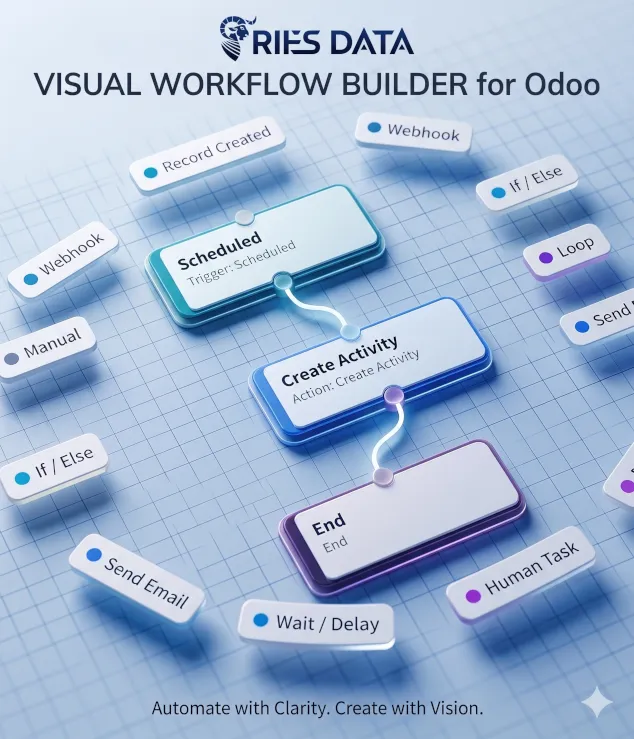
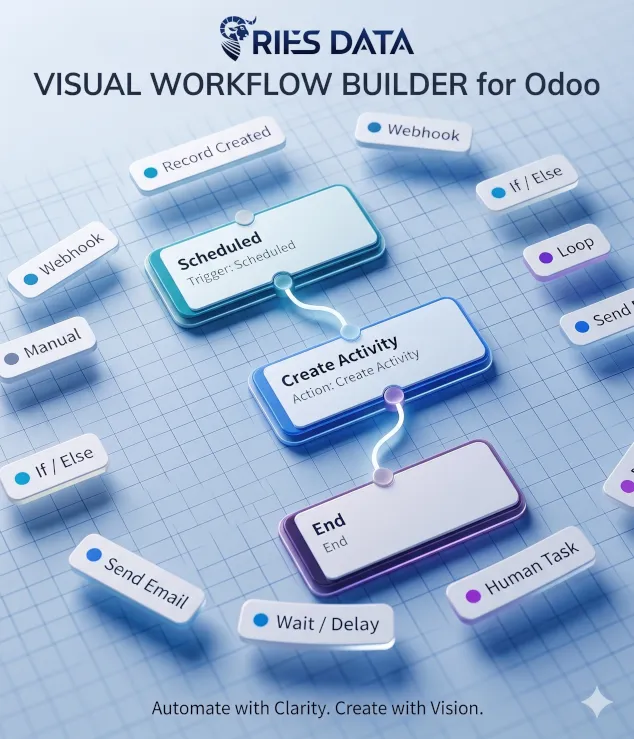
Visual Workflow Builder — No-Code Automation
249.00 €
v 19.0 Third Party
Visual Workflow Builder
No-code automation for Odoo 19 Community Edition â design, publish, and run workflows visually.
Automate repetitive business processes without writing code. Build professional workflows on a drag-and-drop canvas with triggers, conditions, actions, subworkflows, approvals, and full execution tracing â natively inside Odoo.
Why Visual Workflow Builder?
Odoo CE has automation rules â but no visual workflow designer. This app fills that gap with an enterprise-grade, standalone engine built for business users and consultants alike.
Visual Canvas
Drag nodes, connect branches, delete and reconnect edges â configure each step in a property panel.
Event-Driven
React to record creation, updates, field changes, schedules, webhooks, manual runs, and parent workflows.
Full Traceability
Every workflow run is logged step-by-step â see exactly what happened and where it stopped.
The Visual Builder
A full-screen, professional workflow designer integrated into Odoo's backend.
- Node palette with categorized triggers, logic, actions & control steps
- Pan & zoom canvas with snap-to-grid background
- Drag-and-drop node positioning and connector handles
- Click or Delete key to remove connections; drag to reconnect
- Built-in domain filter editor (same UI as Odoo automation rules)
- Model and field pickers for Create / Update Record nodes
- Update Record with fixed values, copy-from-field, or calculated numeric updates
- Validate, Save, and Publish workflow from the toolbar
- Autosave every 15 seconds â never lose your design
- Validation badges on invalid nodes before publish
- True / False handles on condition nodes; per-case handles on Switch nodes
- Loop body & done handles for iteration flows
- User assignee dropdowns by name for Human Task and Create Activity nodes
- Send Email with recipient field picker and {{field}} placeholders in subject/body
Trigger Nodes
Start workflows when something happens in your business data.
Record Created
Fire when a new record is saved on any Odoo model.
Record Updated
React to writes on matching records with domain filters.
Field / Stage Changed
Watch specific fields or stage/status transitions. Pick stage_id or state (e.g. project task Done checkbox vs kanban column). Fires only on real value changes.
Manual
Start a run explicitly via API or test wizard.
Scheduled
Recurring batch runs with configurable interval (minutes, hours, days, weeks) and a Run At time-of-day picker.
Webhook
External HTTP triggers via a secure URL published after save.
Called by Parent Workflow
Entry point for subworkflows. Filter by record domain and by parent context data sent at start.
Logic, Actions & Control
If / Else
Branch workflows with visual domain conditions on the current record.
Switch
Branch on a field value with a field picker, named cases, and a default branch on the canvas.
Record Actions
Create or update records with model/field dropdowns. Update fields with fixed values, copy from another field, or calculate (+, â, Ã, ÷, %).
Communicate
Send emails with dynamic recipients and field placeholders, post chatter messages, create activities, and call webhooks.
Call Subworkflow
Start another published workflow, pass parent context, and optionally wait for the child to finish.
Wait & Human Tasks
Pause for a configurable delay or until a named user completes an assigned approval activity.
Loop
Iterate over related records (order lines, tasks, etc.) with a safety limit.
Execution Trace
Debug every run: enter, exit, branch, wait, error â with timestamps.
Role-Based Access
Runtime User, Designer, and Manager groups â only Designer and Manager see the Workflows app.
Smart Field Updates & Email
Go beyond static values â compute amounts and personalize messages from record data.
Update Record â three value modes
- Fixed value â set a literal selection, boolean, text, or number
- Copy from field â copy another field on the same record
- Calculate â numeric math on integer, float, and monetary fields
Calculate operations: add, subtract, multiply, divide, increase by %, decrease by %, percentage of. Base value can be the current field, another numeric field, or a fixed number.
Send Email â dynamic content
- Recipient field dropdown â partner, assignee, or email fields on the record
- Field placeholders in subject and body â e.g. partner name or email
- Insert field dropdown for quick placeholder insertion
- Related fields supported â e.g. {{partner_id.name}}
Subworkflows
Break complex processes into reusable, maintainable pieces â without duplicating logic.
- Call Subworkflow action starts a child workflow from any parent run
- Child workflows use the Called by Parent Workflow trigger with record domain and parent context filters
- Pass the same record, a record from a field, or a record from parent context
- Optionally pass parent context (instance ID, definition name, stored workflow data)
- Wait for completion â parent pauses until the child finishes
- Fire-and-forget â parent continues immediately while the child runs async
- Filter child runs by parent context (e.g. approval type stored before Call Subworkflow)
- Parent and child runs are linked on the workflow instance form
- Ideal for shared approval, notification, or data-enrichment flows
Example Workflows
Real-world automations you can build in minutes.
New Contact Follow-up
Trigger: Contact created
Action: Create Activity assigned to sales rep by name
End
Lead Qualification
Trigger: Lead created
Switch: Lead source field
Per case: Set priority and assign activity
Default: Normal priority
Escalation After Delay
Trigger: Stage changed to "In Review"
Wait: 2 days
Action: Send escalation email to manager
Manager Approval Gate
Trigger: Order amount > threshold
Human Task: Manager selected by name
On complete: Confirm order
Scheduled Overdue Reminders
Trigger: Scheduled daily at 09:00
Condition: Overdue tasks
Action: Send reminder email
Dynamic Price Adjustment
Trigger: Stage changed to Confirmed
Update Record: Calculate list price à 1.1 (+10%)
End
Personalized Notification Email
Trigger: Record created
Send Email: Recipient from partner_id
Subject: Hello {{name}} â welcome!
Reusable Approval Subworkflow
Parent: Call Subworkflow (wait for completion)
Child: Human Task â notify on reject
Parent resumes when child completes
Standalone Engine
Unlike simple wrappers around Odoo's automation rules, Visual Workflow Builder ships its own workflow engine with instance tracking, branching, waits, loops, and subworkflows â designed for complex business processes on any Odoo model.
- Works on any Odoo model (Contacts, Leads, Tasks, custom models)
- Coexists with standard Automation Rules
- Webhook endpoint for external system integration
- Cron jobs for scheduled triggers, wait resumption, and child completion
Built for Odoo 19 CE
Native OWL frontend using Odoo's own DomainSelector and Bootstrap styling. No third-party SaaS dependency â your workflows and data stay on your server.
- Odoo 19 Community Edition
- Depends on: base, web, mail
- LGPL-3 open source license
- In-app User Guide with patterns, troubleshooting, and subworkflow context filters