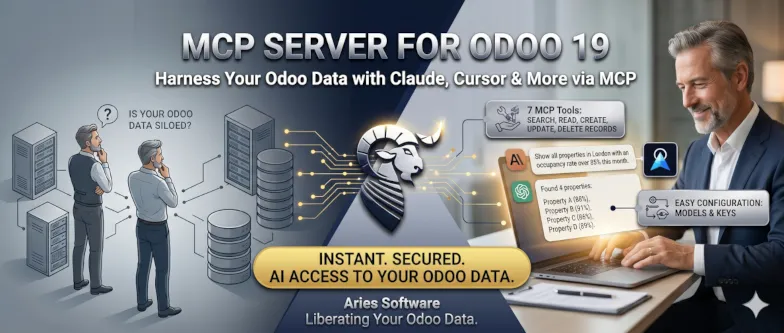
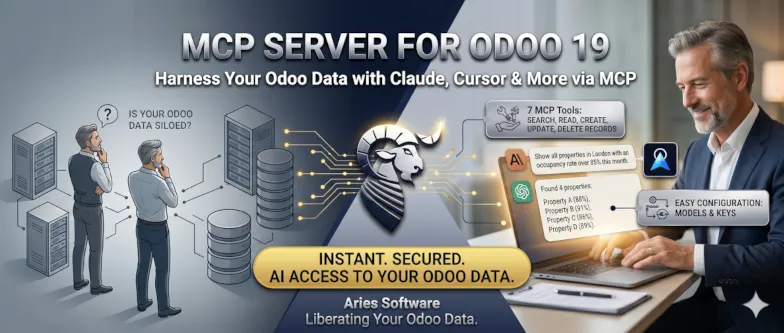
MCP Server for Odoo 19
Connect AI assistants like Claude Desktop and Cursor to your Odoo instance — search, read, create, and update records through natural language.
🔧 7 MCP Tools 📂 2 MCP Resources 🔐 API Key Auth ⚡ Streamable HTTP
What Is MCP?
The Model Context Protocol is the open standard that lets AI assistants talk to external tools and data sources. This addon turns your Odoo into an MCP server — giving AI direct, secure access to your business data.
💬
Claude Desktop
Anthropic's AI assistant connects to your Odoo data via MCP for powerful business analysis and operations.
⌨️
Cursor IDE
The AI-powered code editor can read and manipulate your Odoo records while you develop — right from the chat panel.
🔌
Any MCP Client
Any tool that speaks the MCP protocol can connect — the standard is open and growing fast.
Key Features
Everything you need to safely expose your Odoo data to AI — with full control over what's accessible.
🔧
7 Powerful MCP Tools
List models, inspect fields, search with domain filters, read, create, update, and delete records — all via natural language.
📋
Model Schema Resources
AI clients can discover available models and browse full field definitions to understand your data structure automatically.
🔐
API Key Authentication
Each API key is linked to an Odoo user. All operations run under that user's access rights and record rules — no shortcuts.
⚙️
Admin-only Configuration
Only MCP Administrators can choose which models are exposed and which CRUD operations (read, create, update, delete) are allowed per model.
📊
Request Logging
Every MCP request is logged with tool name, target model, duration, status, and full payloads — complete audit trail.
⚡
Streamable HTTP Transport
Single POST /mcp endpoint. No extra processes, no sidecar services — runs directly inside Odoo as a controller.
Available MCP Tools
Your AI assistant can call any of these tools to interact with your Odoo data.
| Tool | Description |
|---|
| list_models | List all models exposed via MCP with their CRUD permissions |
| get_model_fields | Get detailed field definitions (name, type, label, required, readonly) for any model |
| search_records | Search records using Odoo domain filters with offset and limit |
| read_records | Read specific records by ID, optionally selecting which fields to return |
| create_record | Create a new record in any allowed model with the provided field values |
| update_record | Update fields on an existing record by ID |
| delete_records | Delete one or more records by ID (when permitted by the model configuration) |
Setup in 4 Steps
Get your AI assistant connected to Odoo in minutes — no complex infrastructure required.
Install
Install the addon and the mcp Python package. Restart Odoo and activate the app.
Configure Models
Go to MCP Server → Allowed Models and add the Odoo models you want to expose with CRUD permissions.
Create API Key
Create an API key linked to an Odoo user. The key inherits that user's access rights.
Connect AI Client
Paste the API key and endpoint URL into Claude Desktop or Cursor config. Done!